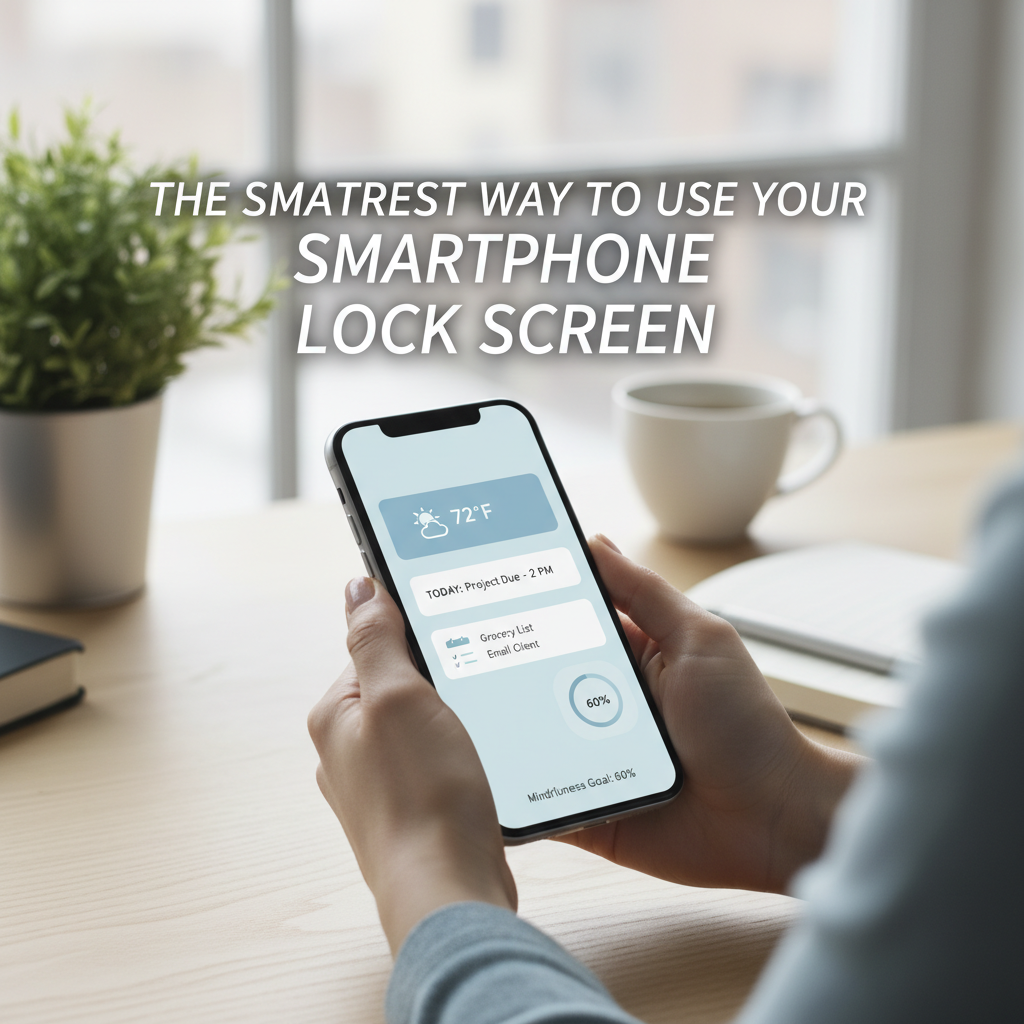
We carry our entire lives in our pockets. From banking and family photos to our professional calendars, our smartphones are our most loyal companions. But have you ever considered that your phone’s lock screen could be more than just a gallery for a scenic sunset or a picture of your pet? It could actually be your most valuable safety and recovery tool.
Most of us utilize a passcode, FaceID, or a fingerprint lock. While this is essential for digital security, it creates a major hurdle if you happen to lose your device or, heaven forbid, experience a medical emergency. If a Good Samaritan finds your phone on a park bench, they can’t call “Mom” to return it. If a first responder finds you incapacitated, they cannot access your medical history through a locked screen.
Here is the life hack every tech owner should implement today: The QR Code Wallpaper.
Instead of leaving your lock screen “blank,” create a custom “ICE” (In Case of Emergency) QR code. There are dozens of free, reputable QR generators online. Simply input a secondary contact number (like a spouse or friend) and a brief note about any critical medical allergies or your blood type. Once you generate the code, download it as an image.
Now, using a basic photo editing app—or even the “Markup” tool built into your phone’s photo gallery—overlay that QR code onto your current wallpaper. Position it in a corner where it doesn’t obstruct the clock or your notifications.
The beauty of this hack is in its simplicity. If someone finds your phone, they can scan that code with their own camera without needing your passcode. They will instantly see how to get the device back to you. More importantly, paramedics and emergency room staff are increasingly trained to look for these digital clues. It creates a vital bridge between your privacy and your personal safety.
A word of expert advice: avoid putting your home address in the QR code for security reasons. Stick to a phone number and essential health data. It takes less than five minutes to set up, but it offers a lifetime of peace of mind. In an age where we are constantly told to “unplug,” this is one way to ensure your technology is truly working for you when it matters most. Give it a try this afternoon; it’s the ultimate professional upgrade for the device you use the most.